
Earth Time Lapse Mobile1.2.3 - Google Play
You'll be able to see results in few seconds.
Publisher Description
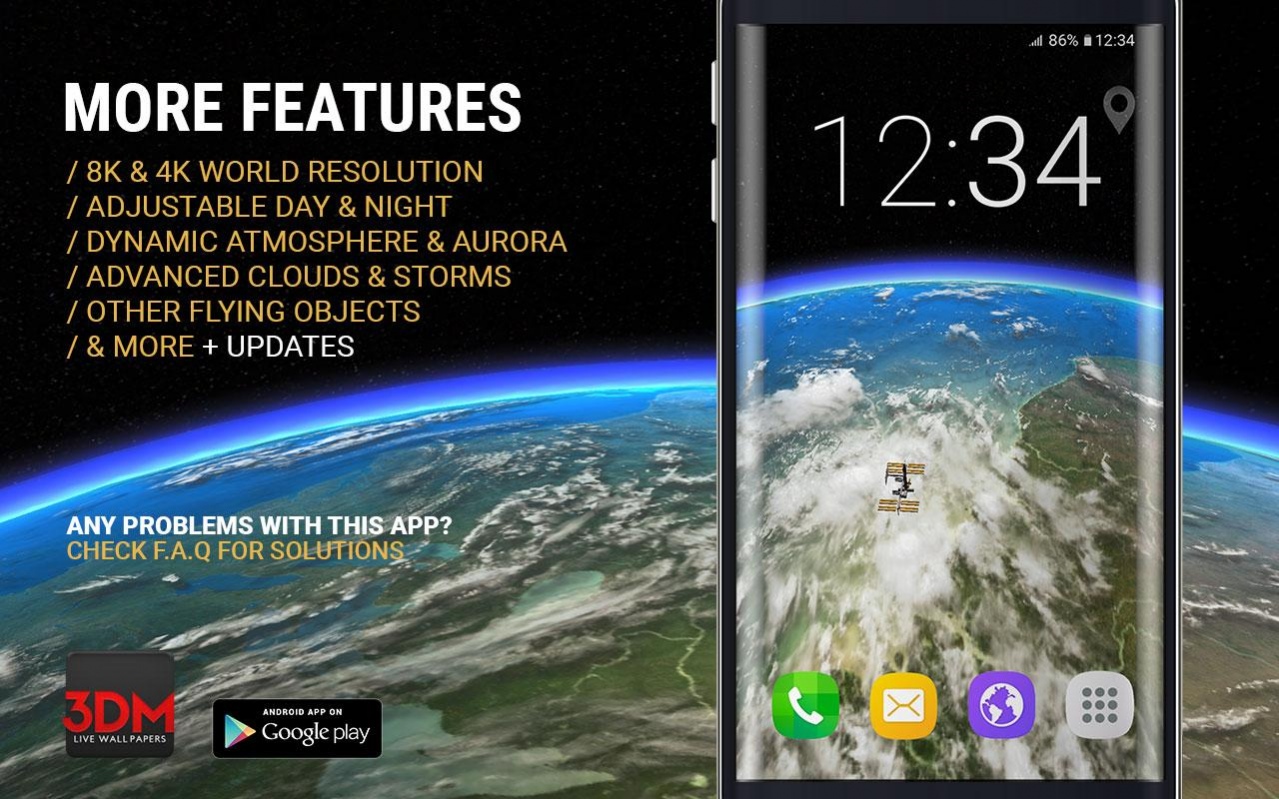
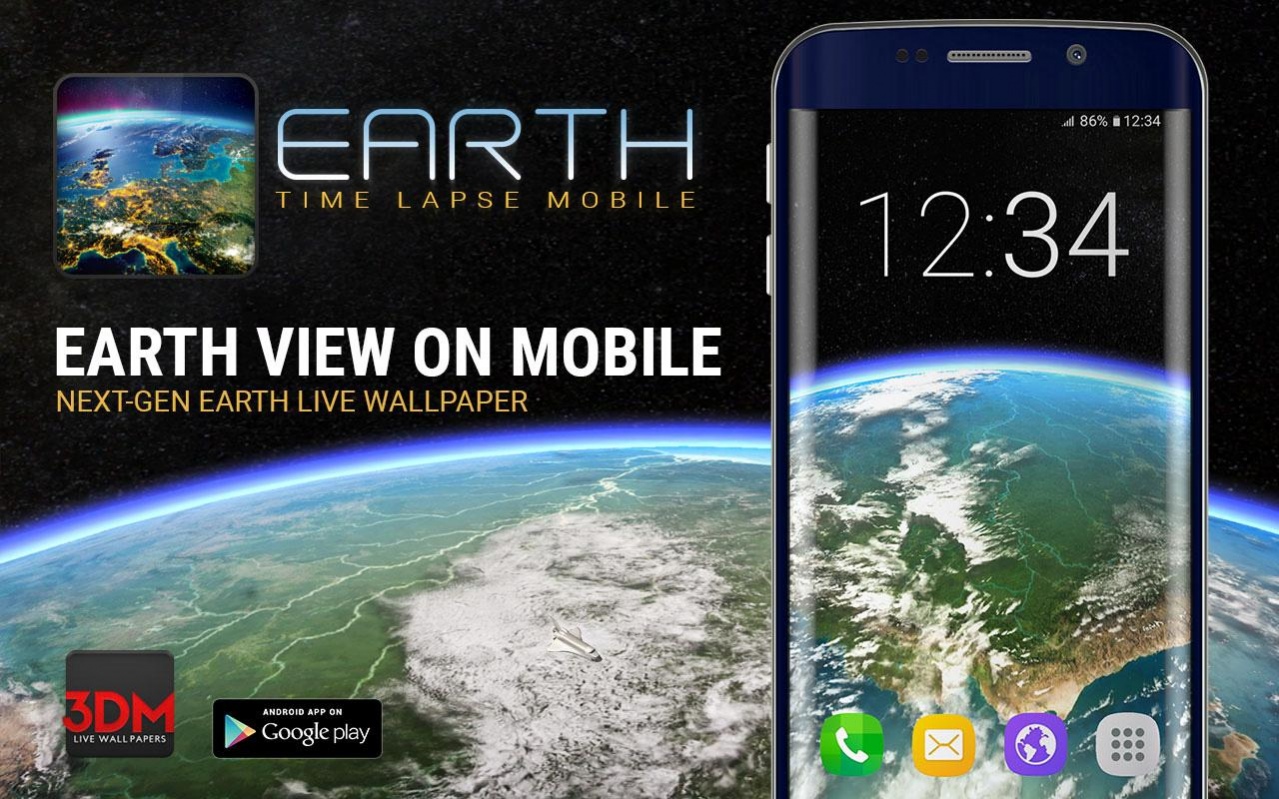
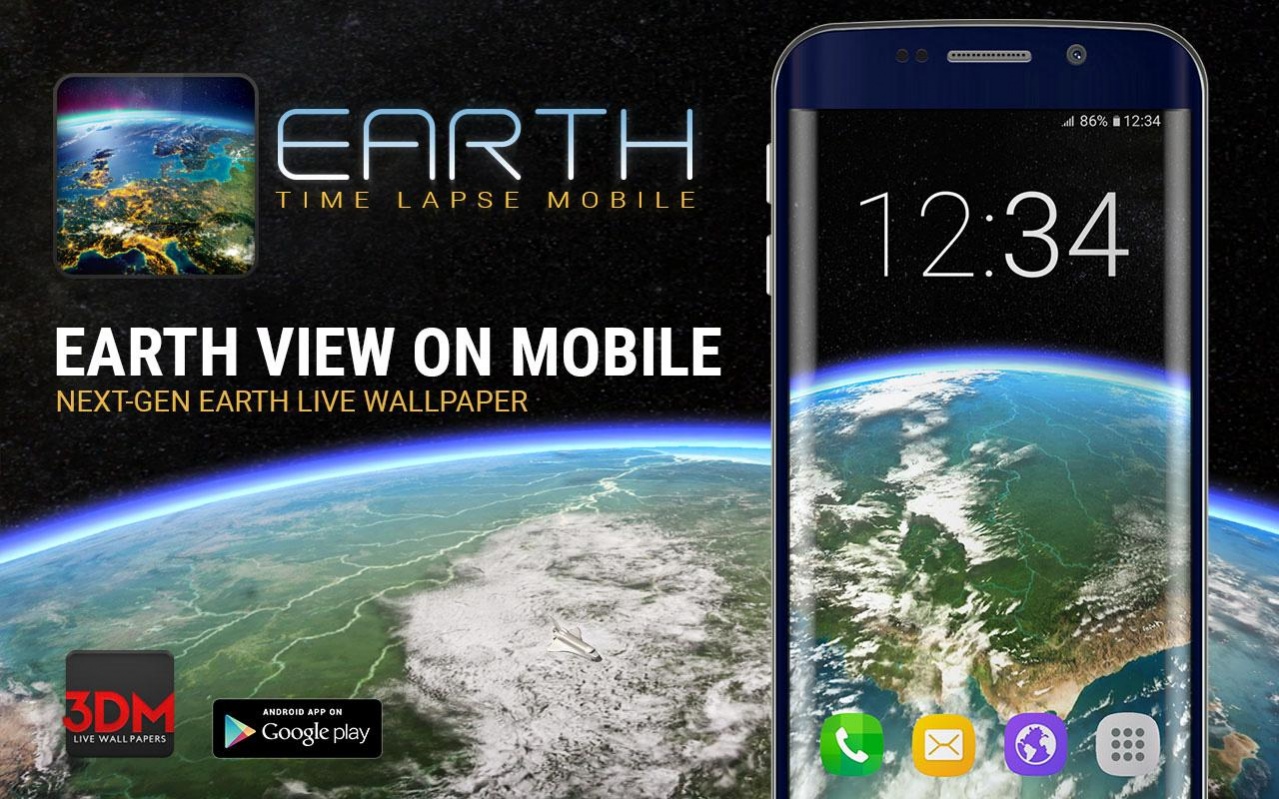
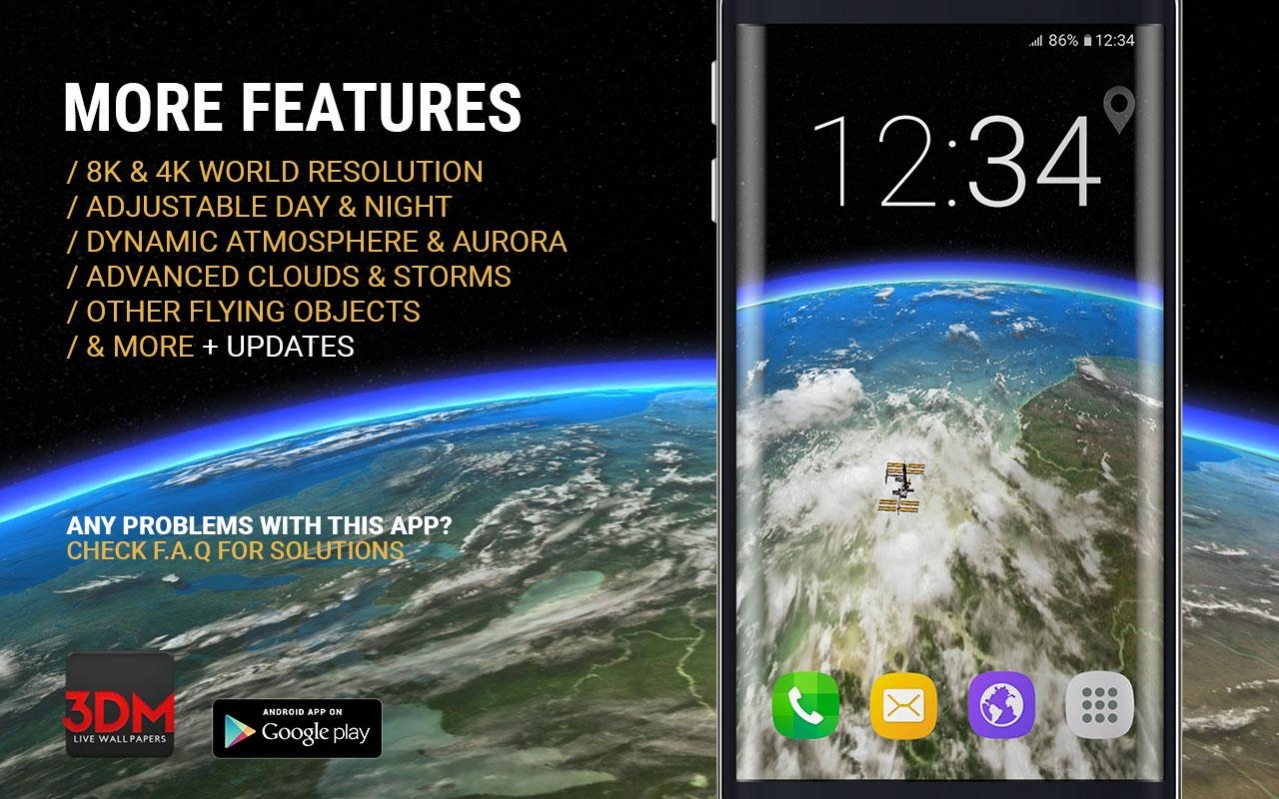
The most detailed interactive 3D Earth Live Wallpaper in store. Ultra high resolution textures (You can see even lakes, rivers, starting rockets NASA, SpaceX, FKA).
Space is not empty so you can meet other satellites, ISS, space shuttle or lost astronauts ;)
IMPORTANT! Earth app will download big textures (when you see 3DM logo) so please give the app some time to finish (depend on speed of your WI-FI).
Earth Time Lapse Mobile is a Next-Gen 3D Live Wallpaper with view of detailed 3D Earth simulation based on footage made from ISS International Space Station.
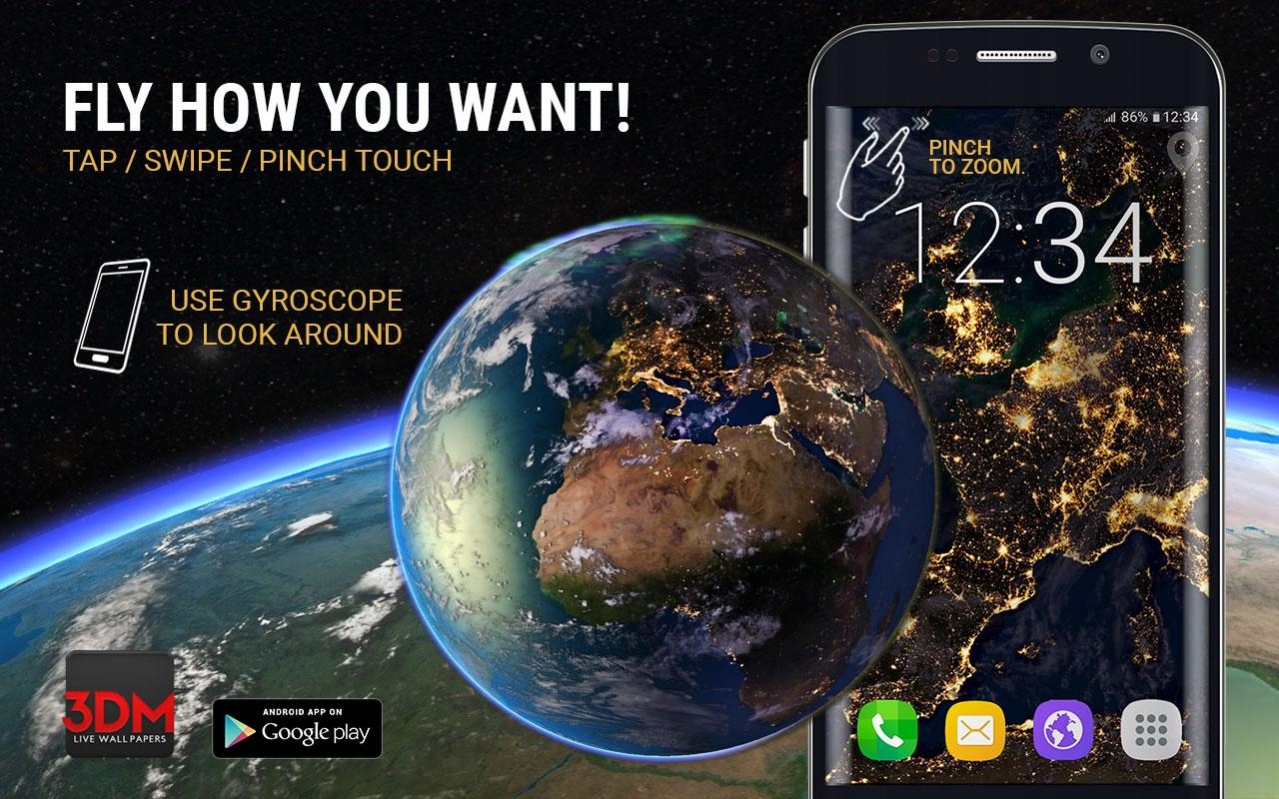
Launch your private satellite into space to stream Earth Time Lapse view on your mobile device. Control the satellite to fly where you want or stay in an interesting place to look closer. You can choose from Time Lapse or Globe camera mode and look around by gyroscope.
3D Earth is an interactive world map where you can tap on land to highlight countries, borders and names to know where you are or choose from 177 countries to fly on demand by hitting one button.
But you are not alone in space. Fly together with ISS International Space Station, Space Orbiter, other satellites and more... On land you can find NASA, SpaceX, FKA mini space rocket launches.
Earth Time Lapse Mobile is a powerful 3D Live Wallpaper with detailed 3D Earth system which include:
/ 8K & 4K Earth resolution
For Hi & Low End devices
/ Free satellite control
Swipe to fly, pinch to zoom
/ World map
Tap to highlight 177 countries, borders, cities
/ Fly on demand
Tap to fly to selected country
/ Gyroscope activity
To look around
/ View camera mode
Time lapse or Globe + 9 angles
/ Earth day and night system
Set earth rotation speed
/ Dynamic atmosphere & aurora borealis
Colorful nature show
/ Advanced clouds & storms
Deep clouds which generated storms
/ Other flying objects
ISS International Space Station, Space Orbiter and other satellites
/ For Space fans
Mini Rocket Launches (NASA, SpaceX, FKA)
/ & more + updates
/ No Ads & No purchase in app
/Battery drain?
App has Frame Per Sec. limit and works only when visible on screen to keep battery live.
/Why the app is so huge?
The Earth is huge. We used 8K and 4K ultra high resolution images for high world details.
Earth Time Lapse Mobile works best on Hi End devices but you can always adjust app performance in settings for Low End devices.
Problems with this app?
You see half earth?
Change in app menu Performance on Optimized. (Galaxy S4, S5, more?)
App stops on Loading screen? New Marshmallow 6.X block access for storage.
Set the app’s permissions via:
1. Settings > Apps > DomiNations > Permissions
2. There are three individual permissions Contacts, Phone, and Storage.
3. Allow Storage permission.
(HTC Nexus 9, Huawei Nexus 6p, Xperia Z5, more?)
OnePlus One: Sometimes slow down? > Change device battery options on Performance.
Want to help?
Please rate this app! That will push us to create more Live Wallpapers.
Comment/Like/Share/Join for more.
Credits: Milkyway photograph (as used in the app and shown on screenshots) by ESO / S. Bunier is licensed under CC BY 3.0
3D Earth not use any of NASA, ISS International Space Station, SpaceX, FKA private materials.
Check more 3DM Live Wallpapers.
Enjoy!
About Earth Time Lapse Mobile
The company that develops Earth Time Lapse Mobile is 3DM Live Wallpapers. The latest version released by its developer is 1.2.3.
To install Earth Time Lapse Mobile on your Android device, just click the green Continue To App button above to start the installation process. The app is listed on our website since 2016-12-04 and was downloaded 0 times. We have already checked if the download link is safe, however for your own protection we recommend that you scan the downloaded app with your antivirus. Your antivirus may detect the Earth Time Lapse Mobile as malware as malware if the download link to com.dm.earthtimelapsemobile is broken.
How to install Earth Time Lapse Mobile on your Android device:
- Click on the Continue To App button on our website. This will redirect you to Google Play.
- Once the Earth Time Lapse Mobile is shown in the Google Play listing of your Android device, you can start its download and installation. Tap on the Install button located below the search bar and to the right of the app icon.
- A pop-up window with the permissions required by Earth Time Lapse Mobile will be shown. Click on Accept to continue the process.
- Earth Time Lapse Mobile will be downloaded onto your device, displaying a progress. Once the download completes, the installation will start and you'll get a notification after the installation is finished.
Program Details
System requirements
Download information
Pricing
Version History
version 1.2.3
posted on 2016-12-04
- Fixed minor glitch
- Improved Earth shader
- Improved performance
- Added a bit more particles
Disclaimer
Official Google Play Link
We do not host Earth Time Lapse Mobile on our servers. We did not scan it for viruses, adware, spyware or other type of malware. This app is hosted by Google and passed their terms and conditions to be listed there. We recommend caution when installing it.
The Google Play link for Earth Time Lapse Mobile is provided to you by apps112.com without any warranties, representations or guarantees of any kind, so access it at your own risk.
If you have questions regarding this particular app contact the publisher directly. For questions about the functionalities of apps112.com contact us.
